Logging In
This article helps you walk through how to login to TATOR.
Once you’ve completed the Access Request Form, Schmidt Ocean Institute & CVisionAI will create a user account for you. We will contact you once that has been completed.
If you provided your ORCID ID, feel free to use it to login at cloud.tator.io. In the screenshot below, you will see there is a “Log in with ORCID” button, which allows you to sign into ORCID and enter through that method.
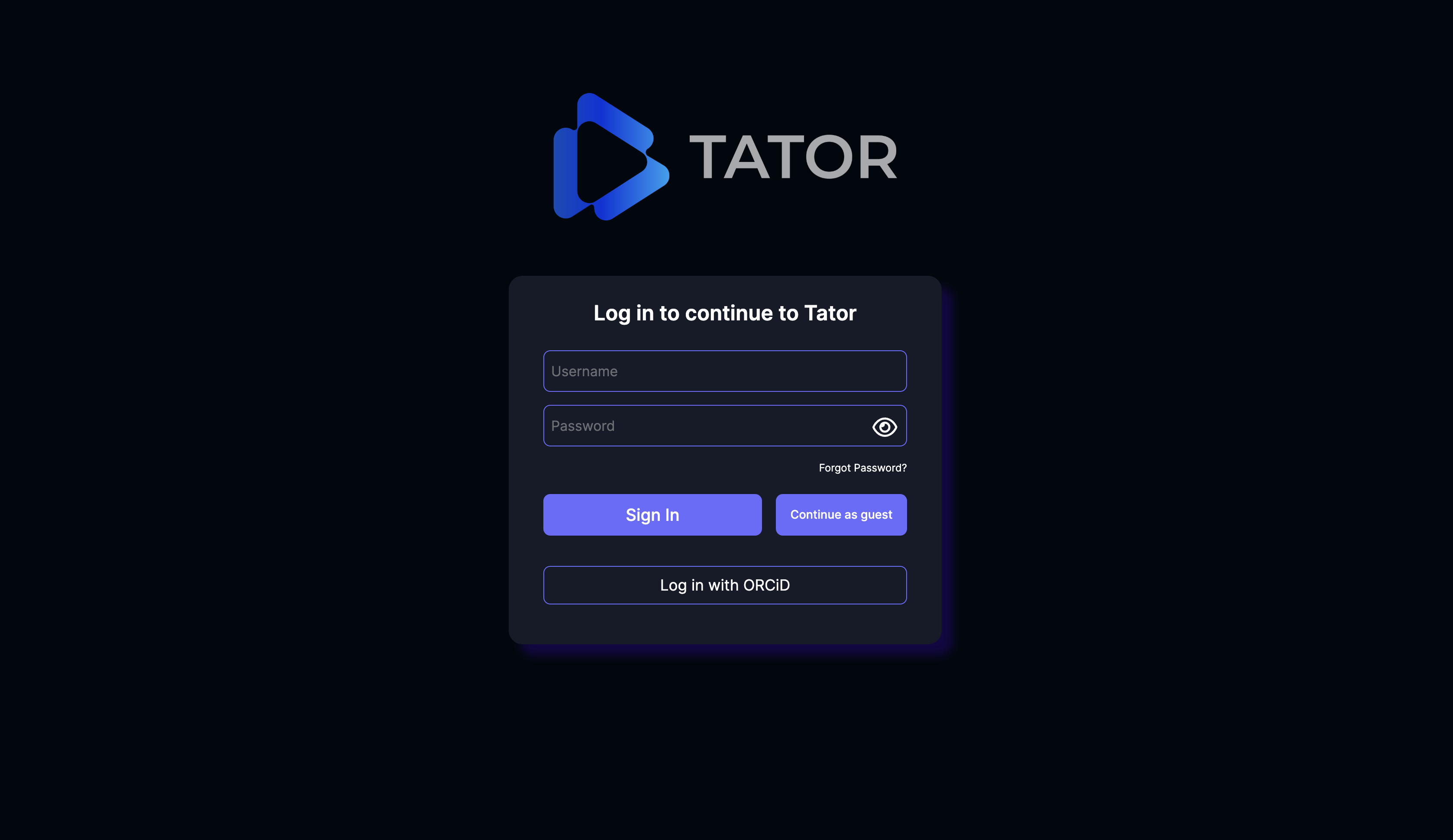
If you did not provide an ORCID ID, you can use your email address to login. You must log in with the email address provided on the form, and the default password is <first-name>_init_pass. If you name is John Smith, your default password would be john_init_pass. After entering TATOR with this default password, we highly recommend you change your password to your own personal password. You can change your password by clicking “Change Password” in the TATOR main menu.
Once you either log in with ORCID or enter your email address and password, you should be all set to go! Click on your “Schmidt Ocean Institute” project to get started.
If you have any questions, please email datasystems@schmidtocean.org for assistance.